How to Use Claude for Branding With a Brand Context Folder
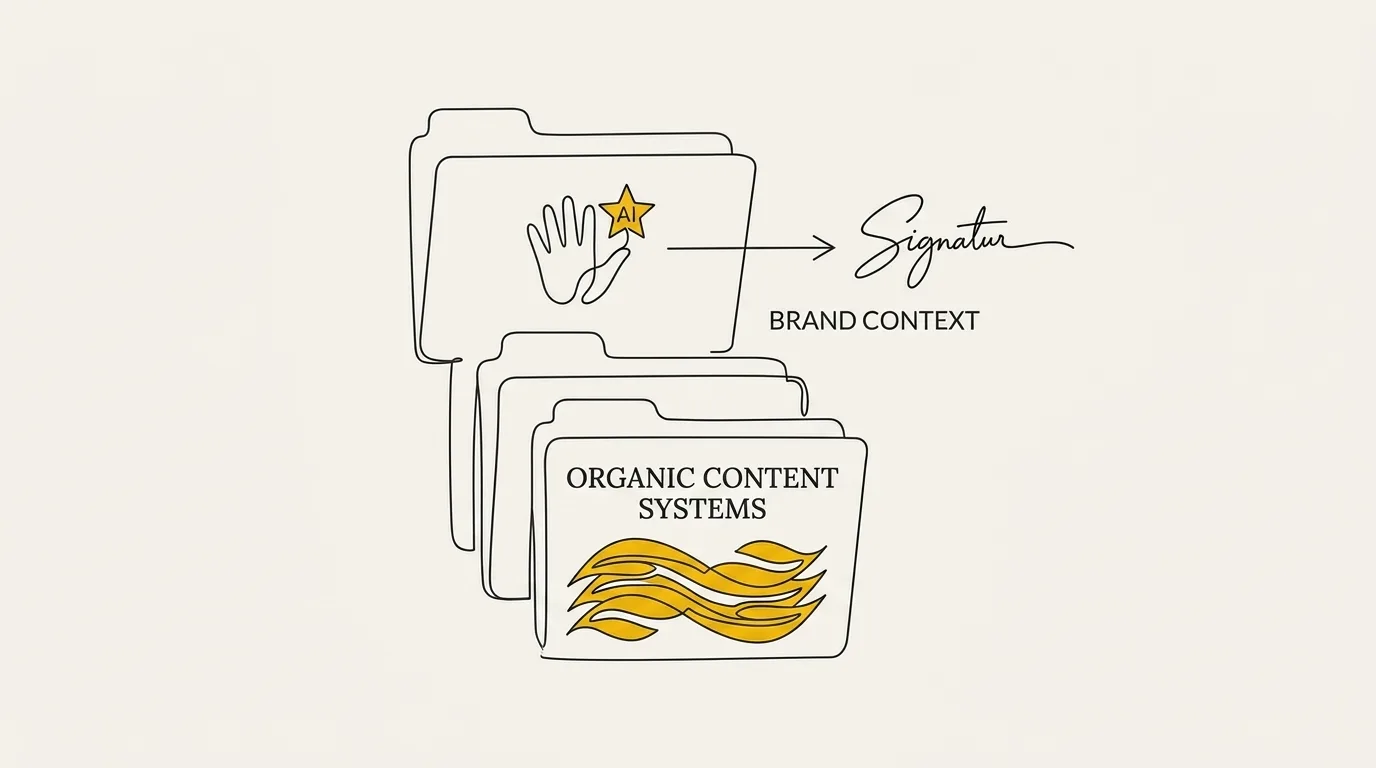
How to use Claude for branding starts with a brand context folder in Claude Code, so every logo, page, and post you generate matches your brand identity.

On this page
- Introduction
- The fastest way to use Claude for branding
- Building your brand context folder in Claude Code
- What belongs in the brand context folder
- Generating on-brand assets from your context
- Why a brand context folder beats one-off prompts
- Reviewing and interrogating what Claude produces
- Common mistakes when using Claude for branding
- Putting your brand context folder to work
- Frequently Asked Questions
Introduction
The method for how to use claude for branding is a persistent brand context folder Claude can reuse on every job. Keep voice and visual rules in that one place, and every new asset pulls from the same source.
This page is for founders and operators building a brand. We cover the folder workflow, then generating assets from it, so Claude design stays on brand whenever you ship.
The fastest way to use Claude for branding
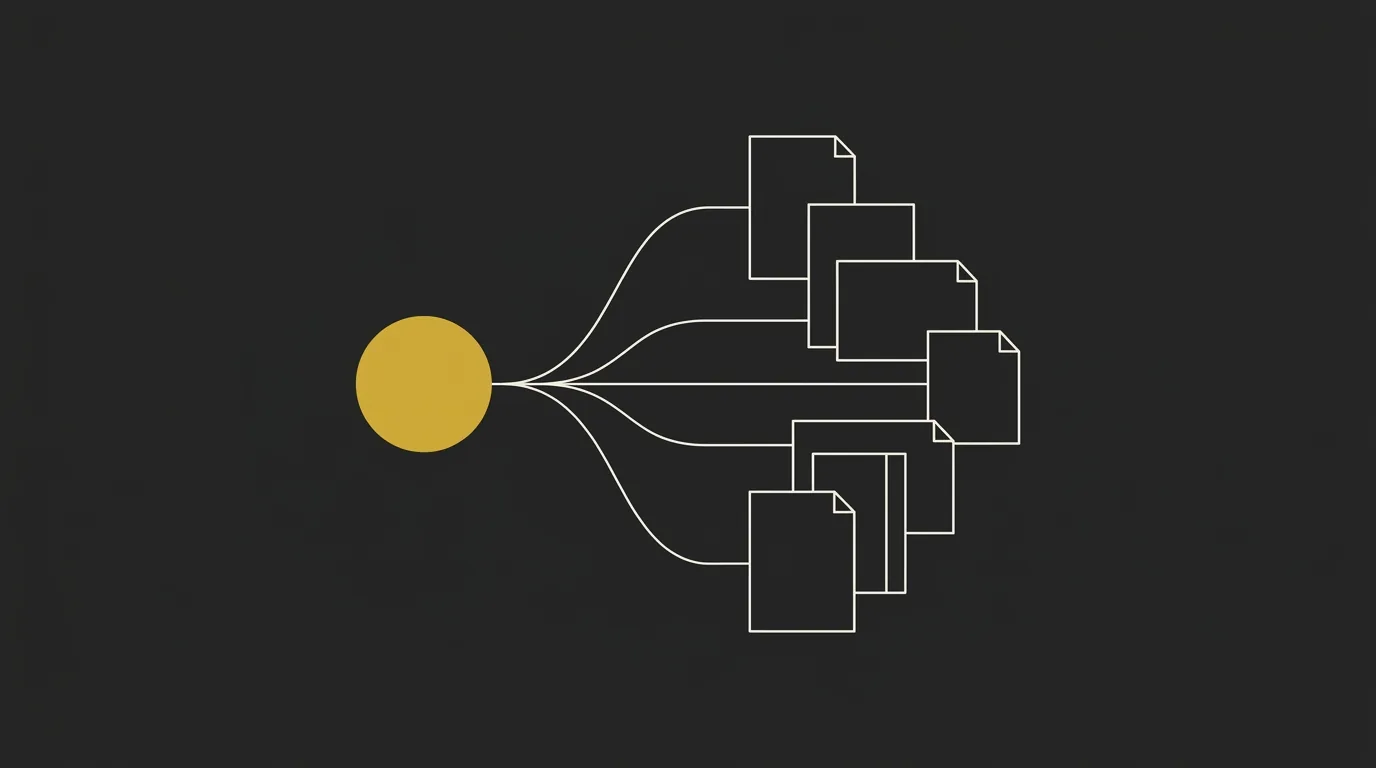
Using Claude for branding means building a brand context folder Claude reads, then generating everything against it. Claude is just the model and your brand is the source of truth, so a mid-tier model with that context will outperform a frontier model running on training defaults every time.
What you’ll need
You need Claude access, Claude Code or an IDE, and the brand material you already run on. Get those three in place before you generate a single asset.
| Prerequisite | What you use it for |
|---|---|
| Claude access | An account that can read files and generate copy or visual assets |
| Claude Code or an IDE | A project folder Claude can load on every job |
| Existing brand material | Voice, visual rules, services, pricing, clients, and opinions |
When Claude has real brand docs and transcripts (the messy internal ones), it produces tailored follow-ups and content drafts you can edit. A prompt dropped into a blank window leaves the same model filling gaps with training defaults.
The workflow in brief
The Claude Code branding workflow is four moves against the same files. You collect what you already have, load it once, generate, then check the output.
- Collect the voice and visual rules you already use.
- Store them in one folder Claude can read on every job.
- Request the asset with that folder loaded, including claude design output.
- Review the draft against the folder, then iterate.
This is AI orchestration in miniature: the model does the work, the folder holds the truth. So you build the folder first, then ask for the asset.
Building your brand context folder in Claude Code
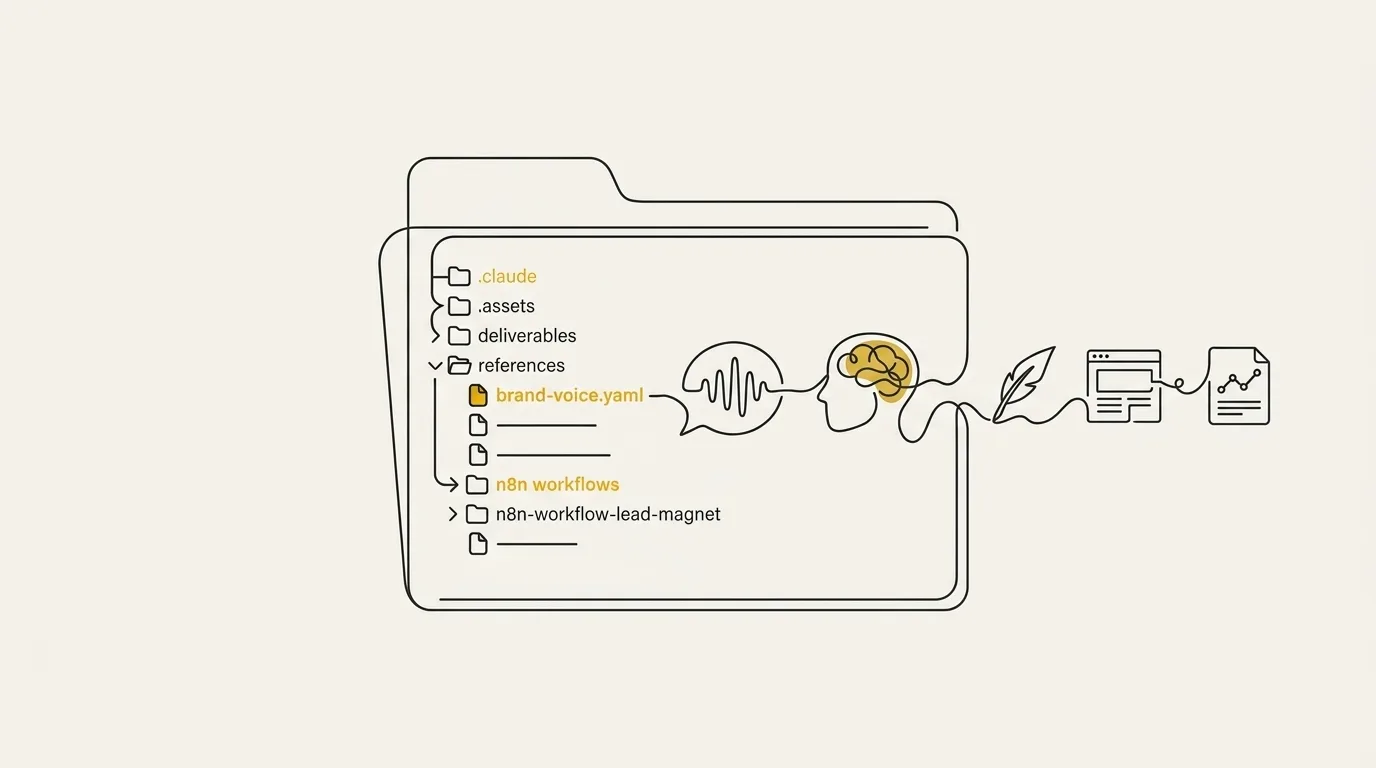
Building a brand context folder in Claude Code is context engineering: you assemble one structured folder the model reads at the start of every session, so work starts from your voice and visual rules. Feed it real notes and existing writing as files Claude Code can open. Attach that folder at the start of every session and the model already knows the brand.
Make a dedicated folder on disk and open it as a project in Claude Code or your IDE. Sit it inside the notes or repo you already use, so the brand lives where you already work.
Add markdown files for who you sell to and how you sound. Pull wording from emails and pages you already wrote.
Record hex colors, fonts, sizes, weights, and spacing, with a note on when each color gets used. Claude rereads those tokens on every later job.
Drop in case studies, claims you will stand behind, banned terms, and operating notes. Keep each note short and sourced.
Attach or open the folder at the start of the session and keep that project for the next one. The model already has the brand, so you go straight to the work.
Step 1: Create the folder and open it in Claude Code
Create a dedicated folder on disk and open it as a project in Claude Code, or in any IDE that can treat the files like code. Park it inside the system you already live in (a git repo or an Obsidian vault) so Claude becomes a persistent organizer sitting on top of work you already keep.
Name the folder something obvious and drop in empty markdown files you will fill next. Claude Code reads whatever sits in that directory.
Step 2: Add positioning and brand voice
Add positioning and brand voice as markdown files drawn from writing you already have. Pull tone and preferred wording from real emails and landing pages you already wrote, because that is the voice the model should copy.
Start by structuring a short outline of audience and offer if you want a faster start. That outline is enough to brief the next session.
Step 3: Add your visual tokens
Add visual tokens in a dedicated file: hex colors, fonts, sizes, weights, spacing, and when each color gets used. That file is your design system in a form Claude can read on every job.
So keep usage rules next to the values, with primary for headers and muted for secondary copy. Later layouts stay consistent when those rules sit in the same file as the tokens.
Step 4: Add proof and rules
Add proof and rules as short sourced files: case studies, claims you will stand behind, banned terms, and operating notes. And let CLAUDE.md and SKILL.md live here too, so workflows sit next to the brand facts.
These files keep the brand context folder honest about what you will publish. Stick to short, sourced facts the model can reuse.
Step 5: Point Claude at the folder and save it for reuse
Point Claude at the folder at the start of every session and save the project so the next job reuses it. Attach it, open the directory in Claude Code, or pass the path, then keep that project around.
A short prompt that tells Claude to read the folder first is enough once the files are in place. This is where a brand brief with Claude becomes infrastructure you attach once.
What belongs in the brand context folder
The brand context folder holds positioning, voice rules, visual tokens, proof, and banned terms, so Claude has the fundamentals on every job. Treat that file set as your brand guidelines and your brand design system in one place, attached at the start of every session. A common pattern is to load past newsletters and internal notes too, so drafting reuses real ideas and the style already sounds like you.
| In the folder | What it contains | Why Claude needs it | Where it comes from |
|---|---|---|---|
| Positioning and identity | ICP, offer, category, promises | Keeps every asset on the same story | Strategy notes and live site |
| Brand voice rules | Tone, cadence, sample lines | Keeps copy in your register | Your sent emails and posts |
| Visual tokens | colors, fonts, logos, palette | Matches every layout to the kit | Brand kit and token files |
| Proof and case studies | Wins, metrics, approved lines | Grounds claims in real results | Case studies and client notes |
| Banned vocabulary | Taboo words and swaps | Keeps wording inside your lexicon | Voice guide and edit notes |
Generating on-brand assets from your context
Once the folder is loaded, generating brand assets with Claude means every job reads the same source of truth. Each job inherits the same voice and the colors stored in your visual tokens, so identity work and campaigns match.
Visual identity and logos
Claude reads the stored tokens and produces the identity kit from them. A logo request follows the palette and type already in the folder, including the hex codes and weights you stored.
New files sit next to the folder so the next session starts from the same kit. A later landing page then pulls the same type and palette you just generated.
Website and landing pages
Claude writes the pages from your folder, then the rest of the site code, so the live site reads the same brand context as every other job. The stack we run is brand folder and Claude Code on Astro, shipped through GitHub to Cloudflare Pages, and that site code can stand in for a WordPress stack because the files are plain text the model can read in one session.
Building or updating is a conversation with Claude Code. We set the Astro MCP documentation server up first, so technical questions get answered from the official docs. And two live sites run on this exact stack: marcus-aurelius.ai and emailtemple.com.
Content and campaigns
On-brand content comes from the same folder: posts, newsletters, and HTML email templates. You describe the piece and Claude writes it in voice, with offers and proof already loaded.
You walk into Claude Code, describe the email, and you can have an HTML template in a few minutes. Email Temple is that loop as a system, trained on top-performing templates across industries, with your brand config already built in. A meeting transcript dropped next to the folder and product documentation can feed a follow-up that names the prospect’s pain points in about a minute.
Why a brand context folder beats one-off prompts
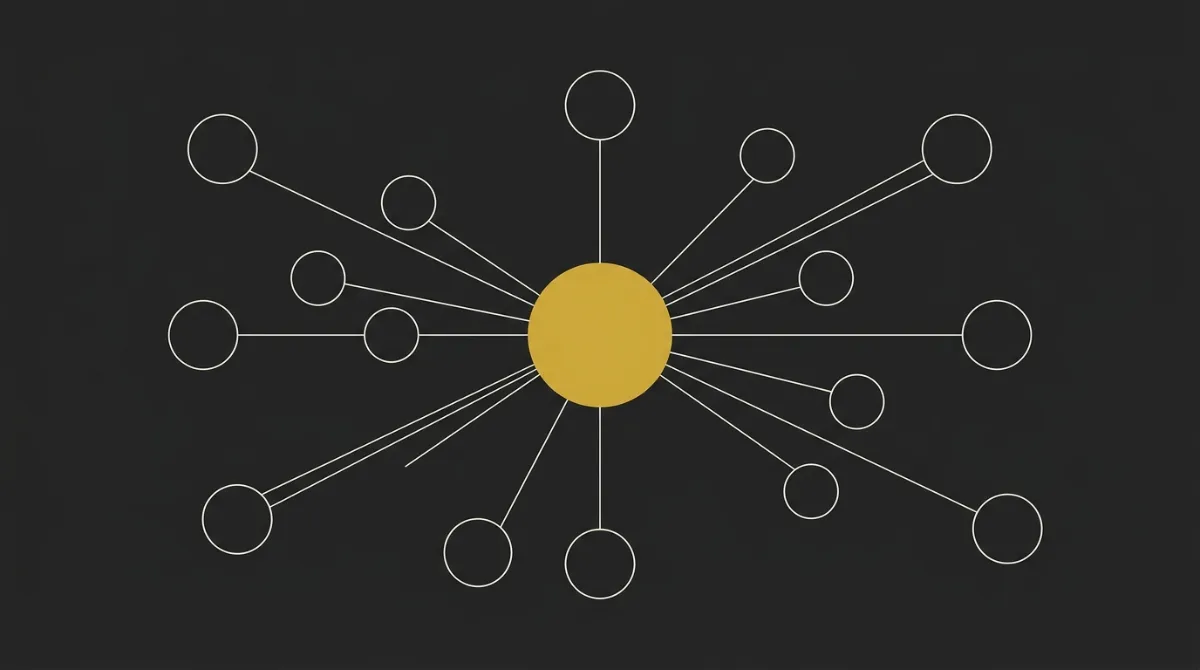
A persistent brand context folder beats one-off sessions because Claude is stateless by default, so your voice and visual rules travel with every job. Generic output comes from the process: you write a prompt and the model summarizes what already exists on the web.
So build the folder once as the system you generate against. A top model can hold 50 files of brand context in one session, and every claude design job in that window already has the full picture.
| Criterion | One-off prompts | Persistent folder |
|---|---|---|
| Output consistency | Fresh brief every session | Same rules on every job |
| Setup effort | Write a brief, then generate | Build once, attach every session |
| Tone | Summarizes existing web copy | Voice, USPs, data, story |
| Reuse across tasks | Re-brief voice and pricing each chat | One folder across every task |
| Scaling | One session, one asset | Full picture, many assets |
Reviewing and interrogating what Claude produces
Review every Claude draft before it ships: check voice, facts, and visual rules, then ask why it chose this approach. A loaded context folder lowers the error rate, and you still interrogate the model in those first exchanges. Keep the conversation going and treat Claude as a collaborator you double-check.
We drafted newsletter copy with a model that already had our full business context (services, categories, all of it) and it still made a real mistake. One question, why this approach over the other one, made it find its own error. So the habit is interrogation, then a second pass that checks the work against the brief.
Accuracy and relevance still get a human check, especially on research-heavy content. Send the draft back for a critique-and-fix loop that scores the work against the brief, then correct and repeat. The first prompt gets you a draft, and your brain is the last gate before you ship on-brand content.
Common mistakes when using Claude for branding
The common mistakes are vague prompts, skipped reviews, a stale brand context folder, work that follows someone else’s look, and treating Claude as the fix. Ideas are cheap, and execution is the entire job. Building, selling, supporting, and iterating is where 95%+ of the value is created, so every session still needs a loaded folder, a specific prompt, and a pass before the asset ships.
- Vague prompts: name the asset, the audience, and the hex colors from your visual tokens in the same prompt.
- Skipping the review step: run the voice, facts, and visual rules check before the file leaves the session.
- Letting the folder go stale: update positioning, voice, tokens, and proof when the brand changes, then point Claude at the folder again.
- Copying competitor style: point every job at your voice rules and your own visual tokens.
- Treating the tool as the fix: keep the system in your hands, folder, prompt, review, ship, iterate.
So save the workflow with a concrete output attached (the PDF, the landing page, the copy block) and the Claude Code steps you actually ran. That file set is what makes the job reproducible the next time you open Claude Code.
Putting your brand context folder to work
Build the brand context folder once, generate every asset against it, then review before anything ships. After that, every new job pulls the same voice and visual rules.
So a loaded folder turns the recurring brand work into a system you can run every week. Some people who treat Claude as an ops partner on those founder bottlenecks (the same jobs every week) report a real weekly time save.
At Marcus-Aurelius Digital, we build and run this system for premium brands. We built an AI-supported organic content system for a luxury villa brand that helped take direct website bookings from zero to roughly half of all bookings. Get in touch if you’d like to jump on a call.
Frequently Asked Questions
Can Claude actually generate a usable logo?
Claude can generate a usable logo as SVG vector code you can render, export, and refine. Feed your visual tokens first so the mark uses your palette and type weights. Review the draft, ask why it chose that form, then iterate until it holds at small sizes.
What’s the difference between Claude Design and a brand context folder?
Claude Design is the visual generation pass, and the brand context folder is the persistent brief that pass reads. Keep voice and visual tokens in the folder so every layout inherits the same rules. Treat that folder as the design system you point every job at.
Do I need Claude Code to use Claude for branding?
You can run the same brand context folder in Claude Code or by attaching the files at the start of a chat. Claude Code is a clean fit here because the files live on disk and reload every session. Same folder and same rules on either surface.
How do I stop Claude’s brand output from sounding generic?
Load the brand context folder before you ask for anything, including positioning, voice rules, visual tokens, proof, and banned terms. Then review the draft and ask why it chose that line or layout. A loaded folder plus interrogation keeps the output in your voice.
Can Claude build brand guidelines for a team?
Yes, Claude can compile your folder into brand guidelines the team can share. Ask it to pull positioning, color, type, identity rules, and tone of voice into one document. Markdown, HTML, or JSON all work when you hand the pack to designers.
How long does it take to set up a brand context folder?
A first pass takes one sitting: dump positioning, voice, visual tokens, proof, and banned terms into the folder, then point Claude at it. You’ll tighten those files as real jobs come back. After that, every new asset reuses the same context.