Why AI Brand Voice Drifts Back to Generic Over Time (and the Fix)
Why AI brand voice drifts back to generic over time is a process problem. See the stateless-session root cause and the brand context folder that fixes it.


On this page
- Introduction
- Why the voice keeps resetting to generic
- Root cause 1: AI starts every session from scratch
- Root cause 2: a blank session pulls from the open web
- Root cause 3: generic tools carry none of your POV or data
- The fix: a two-phase brand context process
- What actually goes in the brand folder
- What changes once AI is grounded in your brand
- Where to start this week
- Frequently asked questions
Introduction
Why AI brand voice drifts back to generic over time is the question behind a familiar frustration: the draft that sounded like you yesterday reads like everyone else’s today. Same model, same prompt, and the brand voice has quietly slipped. The cause is the process around the model, so a bad model or a weak prompt is rarely the thing to fix.
Marcus-Aurelius Digital fixes AI voice drift with a persistent brand context folder that every session reads before it writes. That keeps your brand voice in one place the model can reuse, and the sections below diagnose where drift starts so the fix lands where it matters.
Why the voice keeps resetting to generic
AI brand voice drifts back to generic because the model is stateless: each session re-briefs itself from scratch and defaults to the averaged open web. The model isn’t the problem. The process is, and a draft that sounds like you today has nothing holding it there tomorrow.
Three root causes sit behind it:
- Stateless sessions: every new chat starts with no memory of your last correction.
- A single-session open-web pull: a blank session searches the web and summarizes what already exists, which is your competitors’ content.
- Tools that hold none of your POV or data: generic AI has no view of your story, your research or your numbers, so its output lands in a fluent, default register.
The fix is a persistent brand context folder, used in two phases. Phase 1 builds the folder before a single word gets generated. Phase 2 runs AI grounded exclusively in that folder, so your brand voice carries into every piece. For the full process, download our brand folder creator.
Root cause 1: AI starts every session from scratch

AI models are stateless: the model keeps no memory between sessions, so every new chat reads your instructions from zero and falls back to broad defaults. The voice you refined yesterday is gone today, because the model never carried it over. Whatever you typed last time only exists if you type it again.
That is why the same prompt gives you a different result each time. Each session re-interprets your brief from scratch, and the interpretation slides toward the average of everything the model has seen. Rejected habits creep back in, and the corrections you made last week have to be made again. Look at your edit history and you’ll likely see the same fixes repeated, session after session.
The second pattern shows up inside a single piece. Over a long draft, the first instructions drop out of the working context, and the voice slips a few paragraphs in. The opening reads like you, the middle gets softer, and by the end the output sounds like everyone else. A common observation is that style constraints stop being honored once a piece runs long, unless something reloads them.
So the pattern is the same at both scales. Without the brand context in front of it, the model has nothing to hold the voice in place, whether the gap is overnight or ten paragraphs. Time passing, in a session or between sessions, is what lets the content slide back to generic.
Root cause 2: a blank session pulls from the open web
With no brand data loaded, a model fills every gap from its training, which is the averaged open web, so it writes what everyone else writes. LLMs have no context on your business, your POV, or your expertise. They only know what has been published, and without your data as the grounding source, they pull from the same pool your competitors’ content comes from.
If you don’t tell the model who you are, it invents a plausible generic version of you. That version sounds like a company in your category, with the safe corporate phrasing, the predictable structure, and the stock jargon that dominate the web. The draft reads fine, and it could belong to anyone.
This is why so much AI content converges on the same phrasing across companies. Every ungrounded session starts from the same default, so the output lands in the same place no matter whose name is on the page. A brand voice only survives when something in the session carries it, and a blank chat carries nothing.
The gap-filling goes beyond tone. In one experiment, someone invented a fake brand and seeded a few false stories about it online. Gemini and Perplexity repeated the misinformation in nearly 4 out of 10 answers, and one model made up a Black Friday campaign that never happened. Information gaps don’t stay empty, and the model fills them with whatever it finds.
For the deeper treatment of the sameness problem, see why does ai content make every brand sound the same, which is coming as its own piece.
Root cause 3: generic tools carry none of your POV or data
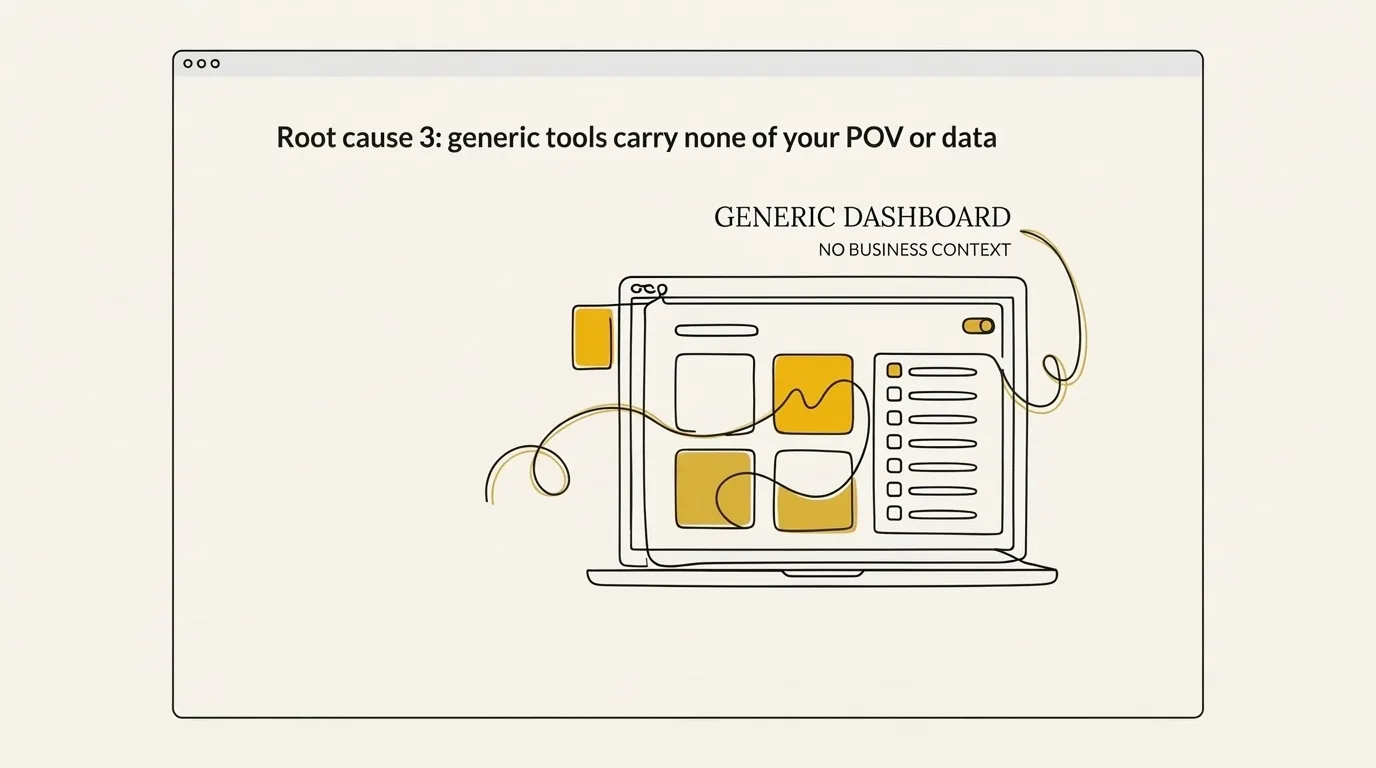
Off-the-shelf AI tools treat content as a commodity: the same output structure for every brand that uses them. They hold general tone and aesthetic guidance, and your positioning, your proof, and the specific words you use and avoid never make it into the draft. So the output stays interchangeable with whatever your competitors publish.
Even the SEO tools like Surfer SEO with the best reputations produce research, keywords and drafts. What they miss is brand-specific voice, data and points of view. Not every brand writes the same way, and not every brand holds the same data or opinions. The material that sets you apart is the stuff you built up over years in business, and a generic tool has no way to see it.
Stacked prompt layers have the same gap. A common pattern is that each layer carries broad guidance, and none carries project-specific constraints or the decision history behind them (which claims you back, which phrasings you retired, which variants are off the table for this client). Adjectives like warm and confident also steer the model less reliably than concrete references, because a model has to pick a pattern under ambiguity and a description of tone does little to narrow that choice. So brand voice described in loose prose drifts toward the default.
Three things go missing when a tool carries only general guidance:
- Your POV: the opinions you lead with, and the positions you will not take.
- Your data: proof, numbers and client results that only you hold.
- Your word lists: the terms you use on purpose and the phrases you have banned.
Here’s the thing: the model is just the model. A mid-tier model loaded with excellent brand context outperforms a frontier model with none, every time, because it has no knowledge of your tone, clients, services, pricing or opinions. It fills the gaps with training defaults, and that’s why so many AI tools produce copy that sounds the same. Your brand has to be the source of truth, and until it is, a different model or a cleverer prompt only reshuffles the same defaults.
The fix: a two-phase brand context process
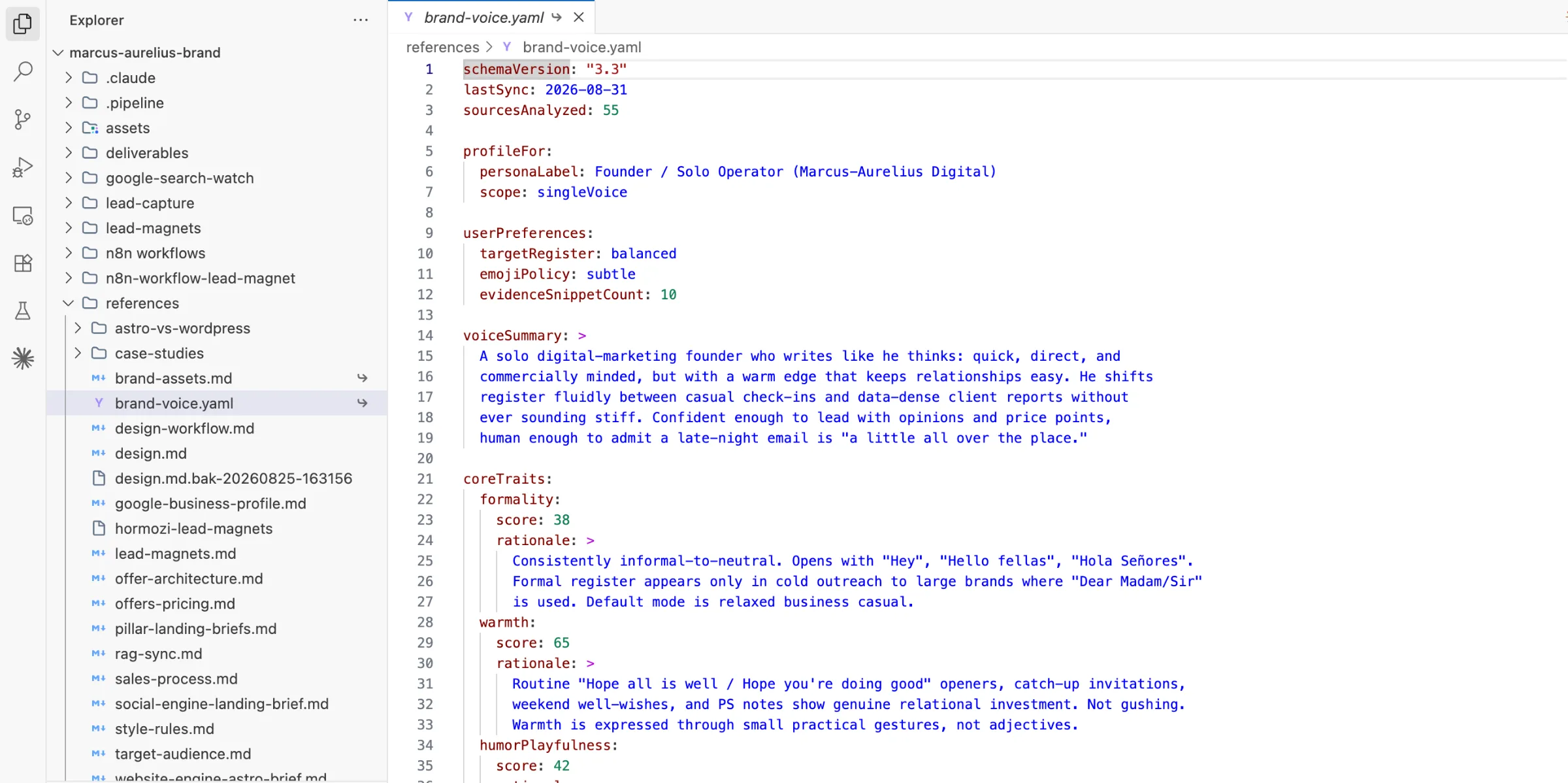
The fix is a two-phase process: build a persistent brand context folder once, then generate every piece of content with that folder loaded. This is context engineering, the practice of deliberately shaping what sits in the model’s context window before it writes anything. Prompt tweaking never gets you there, because the folder is a durable decision store that survives statelessness.
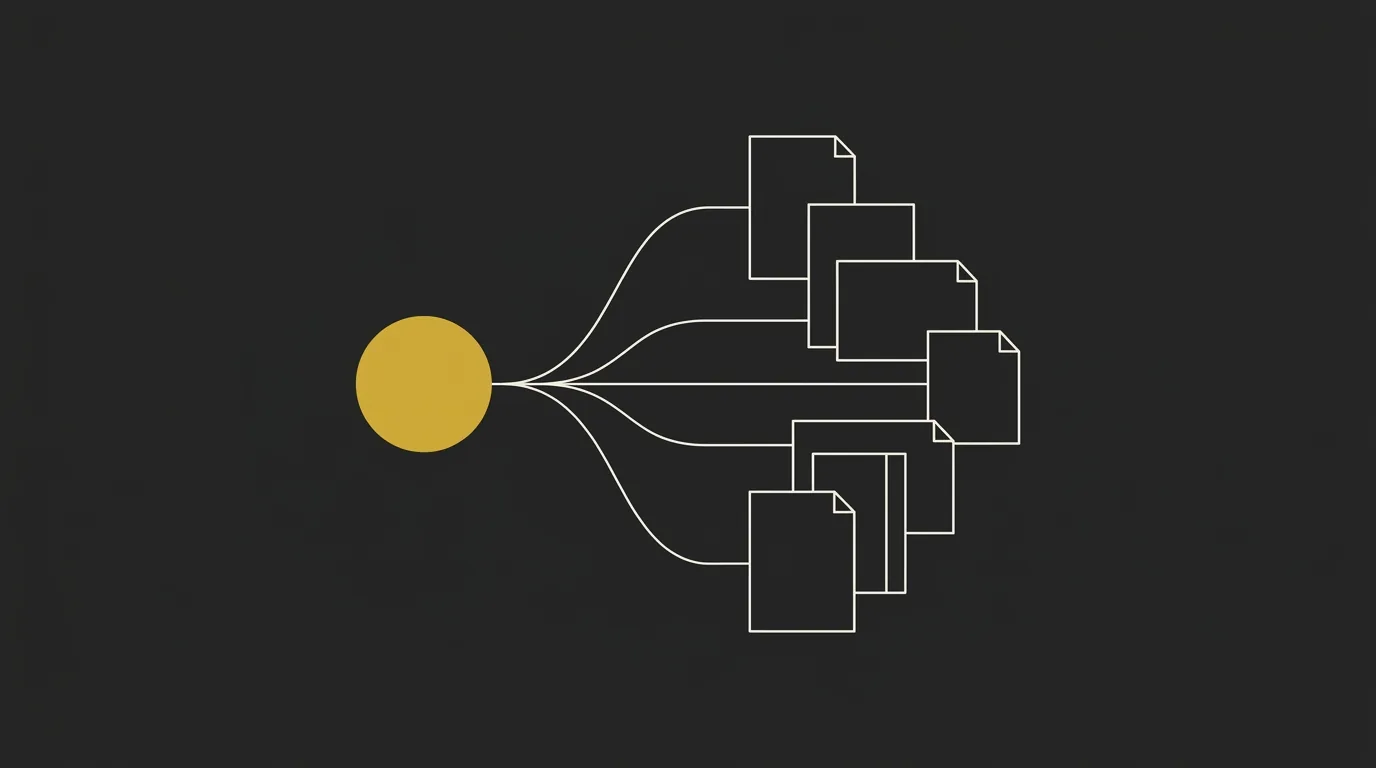
Compile everything about the business into one dense folder: tone of voice, USPs, offers, target audience, research and marketing strategy. It becomes the external store of brand decisions the model reads in.
Attach the folder at the start of every session. The model already knows the brand, so nothing gets re-briefed from scratch and nothing drifts.
Phase 1: build the brand context folder once
Start by collecting what you already have and put it in one place. The folder should be hyper-detailed and very dense: brand voice rules, USPs, offers, target audience, research and marketing strategy. The more of the business it holds, the less the model has to guess.
This is a one-time build that you refine as decisions change. A common experience is that accepted and rejected choices (and the reasons behind them) only persist when they live in an external store the model is handed each session. Instructions typed into a prompt don’t accumulate that judgment, while a folder does. The specifics of what goes inside come in the next section.
Phase 2: generate with the folder loaded every time
Once the folder exists, load it before you ask for anything. With the folder in context, the AI pulls from your brand data instead of searching Google, and that is what makes the content genuinely differentiated rather than a rewrite of what is already published.
Treat it as infrastructure, not a prompt: same folder, every session, so the process stays identical whoever runs it. After each draft, review the output against the folder and iterate. If the draft misses, fix the folder, so the correction sticks for every future session.
For the full build, download our brand folder creator.
What actually goes in the brand folder
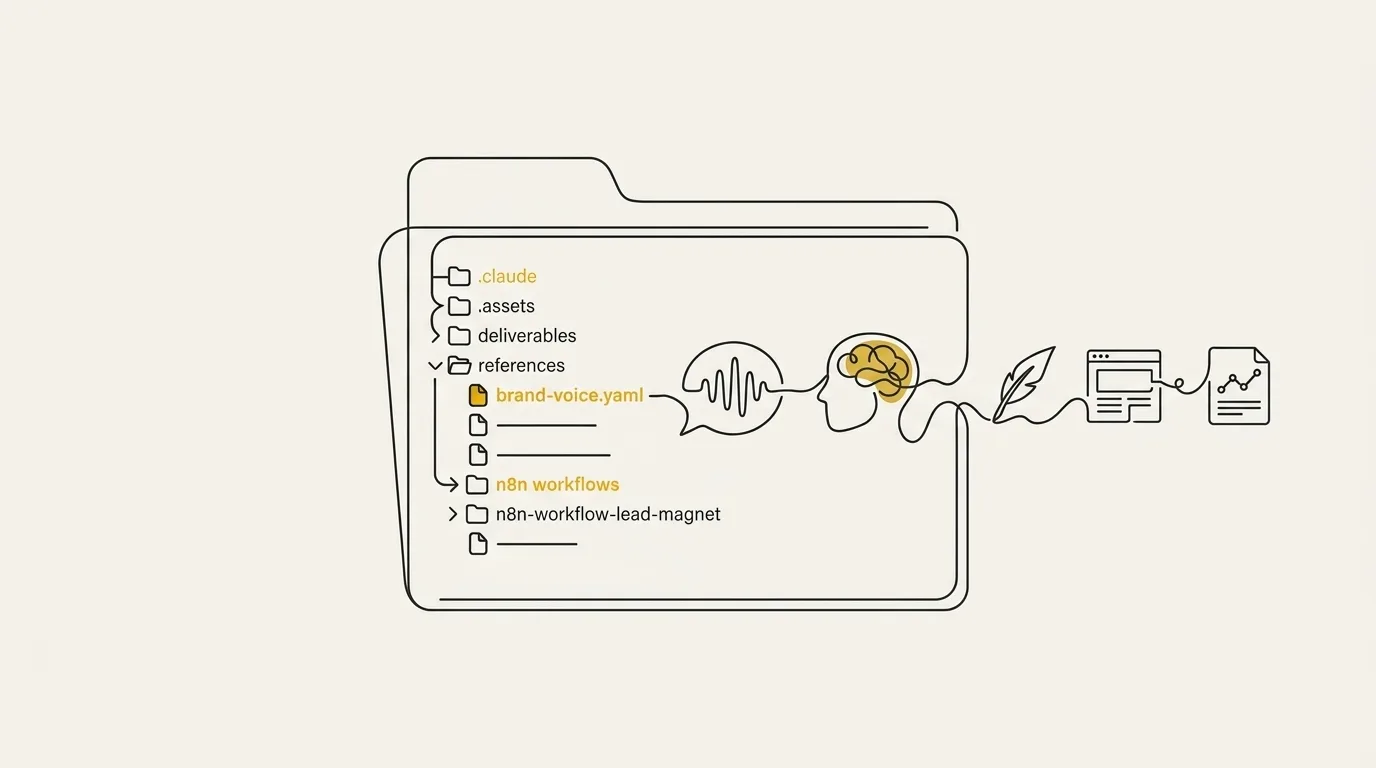
The brand context folder holds four files: a voice file, a positioning file, a proof and rules file, and visual tokens. Each one closes off a specific way AI brand voice slides back to generic.
The voice file is the one that matters most. We build it by feeding Claude real samples the owner wrote (WhatsApp messages, emails, blog posts) and asking it to extract the exact tone, plus the words to use and the words to avoid. Vague adjectives like friendly or professional give the model nothing to copy, while concrete samples show it the patterns your writing actually follows. In my experience, spoken-style material such as podcast transcripts adds a more natural cadence than polished posts, since people report better voice fidelity when the samples include imperfect phrasing.
| File | What it holds | Drift it prevents |
|---|---|---|
| Voice file | Tone, cadence, sample lines, words to use and avoid, extracted from real samples | Copy sliding into the averaged register of the open web |
| Positioning file | ICP, offer, category, promises | Assets telling slightly different stories from one session to the next |
| Proof and rules file | Case studies, approved claims, banned terms, operating notes | Invented claims and generic filler wording creeping back in |
| Visual tokens | Colors, fonts, logos, palette | Layouts that stray from the brand kit |
Load all four at the start of every session and the model works from your facts instead of its defaults. For the full build, step by step, read the published guide, How to Use Claude for Branding With a Brand Context Folder.
What changes once AI is grounded in your brand
The difference shows up in the output itself: a model with brand context loaded writes from your positioning and your voice, while a blank session writes from the averaged open web. Brands that loaded their context early tend to get more consistent on-brand content, because every piece starts from the same source.
| What you compare | Generic AI, no brand context | AI grounded in your brand folder |
|---|---|---|
| Where it pulls from | The averaged open web | Your voice, positioning, proof and rules |
| Voice consistency across pieces | Shifts from one draft to the next | Holds the same brand voice across pieces |
| What each session needs | A fresh brief every time | The brand context loaded once, then reused |
| Edit time per draft | Heavy rewriting to restore your voice | Less rewriting, mostly light edits |
Look at the first row, because it drives the other three. Once the model draws on your own files, the output stops sounding like every other brand’s content, and the voice stays steady from the first piece to the fiftieth.
Grounding lowers the error rate. It leaves your judgment in the loop. Even a model holding your full business context can get a detail wrong, so ask it why it chose one approach over another. That one question can make the model catch its own mistake, and it keeps the model a collaborator you double-check.
Where to start this week
Start with the situation you’re in. If the voice drifts from one session to the next, build the folder: one persistent set of brand files that every new chat reads before it writes a word. If the drift shows up mid-document, with the intro sounding like you and the last third sliding back to generic, reload the folder for each section instead of trusting one long run.
Marcus-Aurelius Digital builds brand context folders for premium brands, so AI writes in their actual brand voice at scale. If you’d rather hand the process to someone who has done it before, get in touch and we’ll scope a build together.
Frequently asked questions
How do I stop AI output from sounding generic?
Load a persistent brand folder at the start of every session, before you ask for anything. The folder holds your positioning, voice rules, visual tokens, proof, and banned terms, so the model writes from your material instead of the averaged open web. Then review each draft and ask why it chose a given line or layout, which keeps the output in your voice.
Why does my AI voice drift after a few paragraphs?
The first instructions fall out of the model’s working context as the document grows, so later paragraphs revert to default phrasing. Reload the brand folder for each section instead of briefing once at the top. Short, per-section generation keeps your brand voice in front of the model while it writes.
Do adjectives like ‘friendly and professional’ work for AI voice?
Adjectives give the model very little to act on, because every brand claims the same few. Concrete samples of your best writing and a list of words you use and avoid steer tone far more reliably. A model can match a sentence it has seen, and it cannot match the word professional.
How long does it take to set up a brand context folder?
A first pass takes one sitting. Dump positioning, voice, visual tokens, proof, and banned terms into the folder, then point Claude at it. You tighten those files as real jobs come back, and every new asset after that reuses the same context.
Do I need Claude specifically to do this?
No single tool is required, since the folder works with any capable LLM. With Claude, you can run it in Claude Code or attach the files at the start of a chat. Claude Code is a clean fit because the files live on disk and reload every session, with the same folder and the same rules on either surface.